
3.1 The Image of the Unit Square
A matrix with entries moves the point to . One point at a time, that is just arithmetic. The geometry appears when you move every point of a shape at once and look at what arrives. Our shape is the unit square: all points with and .
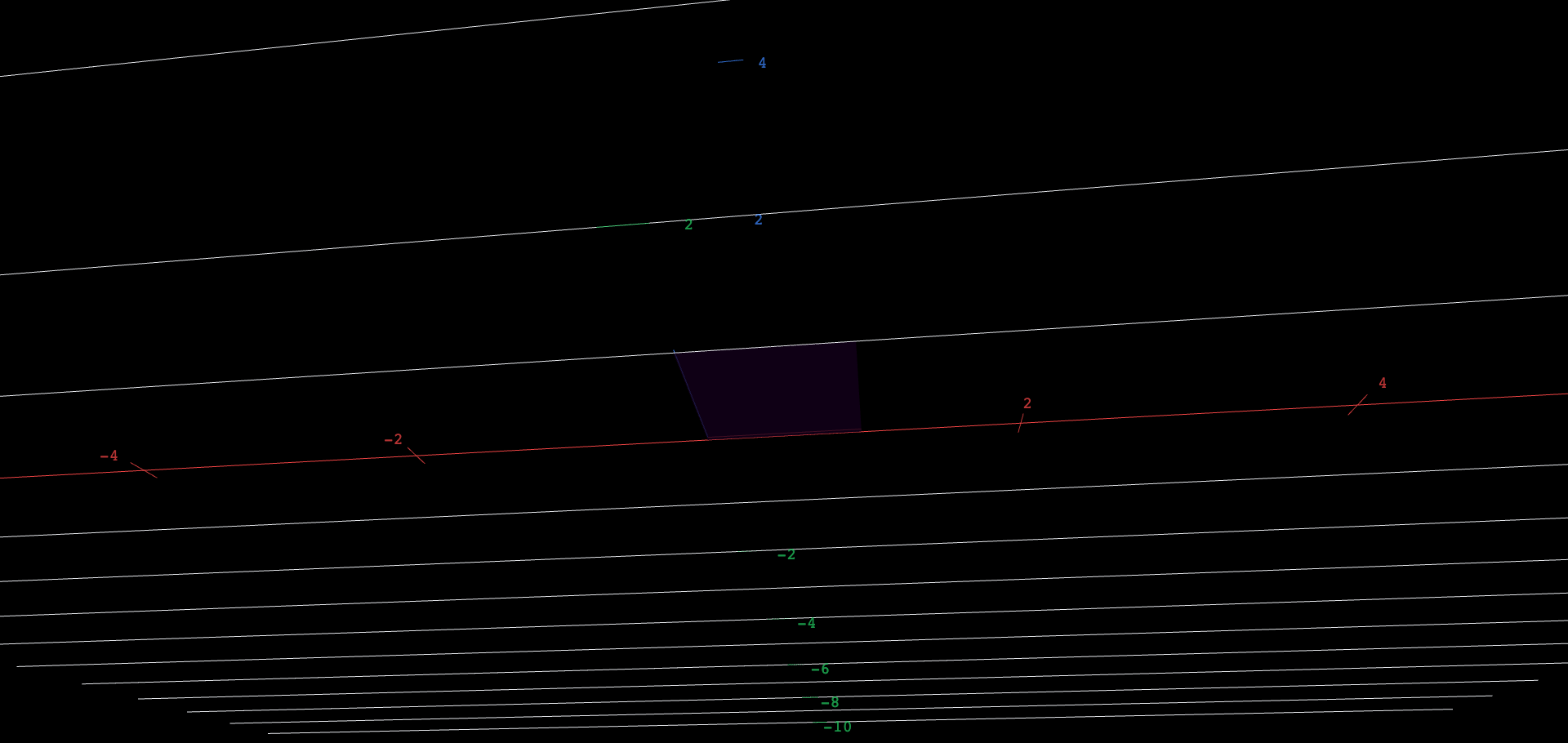
Follow the two special corners first. The corner is sent to — the first column of the matrix. The corner is sent to — the second column. And a general point of the square, , is sent to : the same combination of the columns that built the point from the corners. The figure below draws the arriving set live, with the four matrix entries on sliders.
 Explore in 3D (opens in a new tab)
A flat colored parallelogram seen face-on, drawn upright against a gray horizontal axis and a gray vertical axis with numbered ticks: the image of the unit square under a 2-by-2 matrix, with the first coordinate running to the right and the second upward. Its two edges from the origin are drawn as a red segment (the first matrix column) and a blue segment (the second column), and its two far edges as pale amber segments. Four sliders a, b, c, d set the matrix entries. At the starting identity setting the parallelogram is the unit square itself, with the red edge along the horizontal axis and the blue edge up the vertical axis; dragging the sliders shears, rotates, stretches, or flattens it live.
Explore the figure
- At the identity defaults, the image is the unit square: red edge along the horizontal axis, blue edge up the vertical axis. Confirm the two colored edges really are the columns and .
- Drag to and stop. The red edge has not moved — the first column is untouched — but the blue edge tips over and the square shears into a parallelogram. Every slider controls one coordinate of one edge; convince yourself which.
- Predict before you drag: with , , , , where will the far corner land? It must arrive at the sum of the two columns. Set the sliders and check.
- Now aim the two columns the same way: , , , , so the blue edge is exactly twice the red edge . What is left of the parallelogram, and why should the last chapter's word dependent come to mind?
The columns are the whole story
Everything in this section leans on one property: the transformation respects adding and scaling. That property is the definition, so it is worth stating exactly. A transformation is linear when
for all vectors , and every scalar . Multiplication by a matrix passes both tests, because the product distributes: and , the same rules Chapter 2 used for solutions of . Sliding every point one unit to the right, , fails them: it moves the origin, and no linear map can, since .
The computation behind everything you just saw is one line. Since , and the transformation respects adding and scaling,
That line used the entries only as the landing sites and , so it proves more than it set out to: every linear transformation of the plane is multiplication by the matrix whose columns are and , called the standard matrix of . Section 0.7's projection onto the line through is an example. It is linear, since each output coordinate is a fixed combination of the inputs; it sends to and to , and so its standard matrix, the projection matrix, has those two columns.
The image of the unit square is the set of all combinations with coefficients between and — a parallelogram whose edges from the origin are the two columns. Let the coefficients run over all real numbers instead and you get the image of the entire plane: the span of the columns, in exactly the sense of Chapter 2. When the columns are independent, that span is the whole plane and the square becomes an honest parallelogram; when they are dependent, as in your final exploration step, the span collapses to a line, the parallelogram collapses to a segment, and infinitely many different input points are forced to share each output point.
The area of the parallelogram with edges and — the image of the unit square in the worked example — computed by a computer algebra system: . The next chapter names this number and explains the machine that produced it.
An original work of XYZ Homework, built around interactive XYZ 3D figures. Chapters 1–6 follow the topic sequence of Interactive Linear Algebra (Margalit & Rabinoff, Georgia Tech, GNU FDL). Chapter 0's scope (its topics, their order, and the idea each figure shows) follows the Vectors chapter of Ximera's Linear Algebra: An Interactive Introduction. The prose, worked examples and figures were written for this book, which is not affiliated with or endorsed by the authors of either work. License: CC-BY-NC-SA-4.0.