
1.2 Python Arithmetic Operators
| Name | Operator | Example | Result |
|---|---|---|---|
| Addition |
+
|
5+6
|
11
|
| Subtraction |
-
| 5-6 |
-1
|
| Multiplication |
*
|
5*6
|
30
|
| Division |
/
|
5/6
|
0.83333
|
| Exponentiation |
**
|
5**2
| =25 |
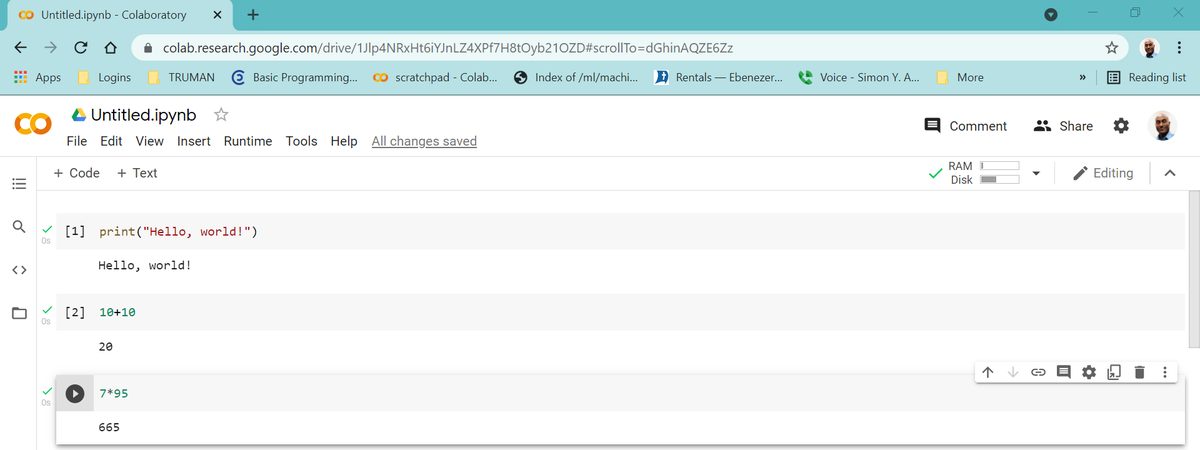
To Write Your Third Python Code
- Click
+ Codeon a notebook to add a code cell - Type
7*95 - Press the
playbutton to execute the code 665is the result
To Save Your Colab Notebook
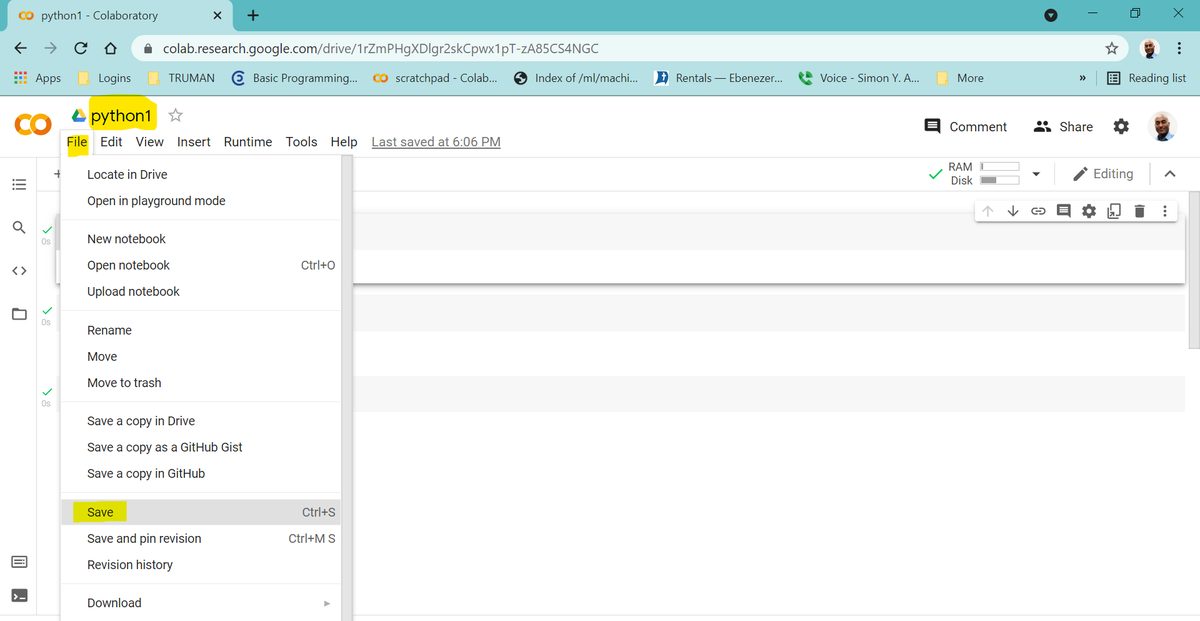
- Click
Untitled.ipynbat the top of the notebook - Delete the title and replace it by typing
python1 - Press the
enterkey - The file
python1is now saved in your Google Drive - Click File and then Save
- Close your browser
To Open Your python1 Notebook
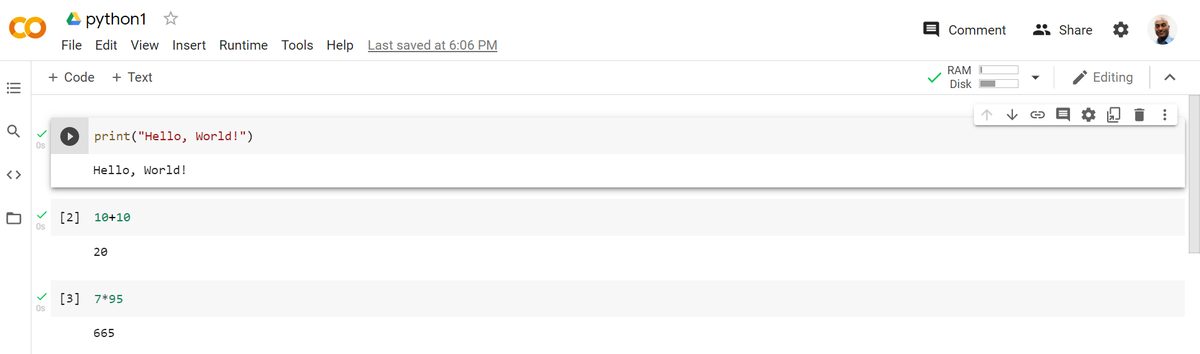
- Click this link http://colab.research.google.com#create=true or go to your Google Drive.
- Click
python1from the list on the pop-up window - The notebook will open
OR click the File menu then Open Notebook
Note: For the examples below:
- Add a new code cell on a Colab notebook
- Type the code based on the statement of the example
- Execute the code
Example: Multiply
5*6Show expected output
30Example: Divide
10/3Show expected output
3.3333333333333335Example: Exponentiate
5**2Show expected output
25Example: Add and then divide
(2+3+5+4)/4Show expected output
3.5Note: If you want to add the numbers in the numerator first and then divide it by the denominator, , you will need to save the sum of the numerator first. We will cover how to save the sum in a variable name in the next section.
Example: Add
1/2+1/3+2/5+10Show expected output
11.233333333333334Note: Adding parentheses to the fractions makes it clearer (see below)
(1/2)+(1/3)+(2/5)+10Show expected output
11.233333333333334Example: Perform the operations
6/3*7-6.7+3.5Show expected output
10.8Example: Perform the operations
43+(8-5)**3/(34-5**2)Show expected output
46.0Example: Perform the operation
13+1/2+2.4*1.4**2Show expected output
18.204Note: Radicals in Rational Exponents Watch demo video
If is a real number, is integer and is positive integer then
For example:
Example: Evaluate
7**(1/2)Show expected output
2.64575131106459077**.5Show expected output
2.6457513110645907Note: 1/2 = .5
Example: Evaluate
7**(1/3)Show expected output
1.912931182772389Example: Find
Note:
(5**2-4)**(1/2)Show expected output
4.58257569495584Example: Follow standard math order of operations to evaluate:
Note:
(5**2-4*2*(-3))**(1/2)Show expected output
7.0Example: Follow standard math order of operations to evaluate:
Caution: Everything under the square root is inside a parenthesis raised to 1/2. That is is raided to . You can do this in two steps using variables in the next section
-2+(5**2-4*2*(-3))**(1/2)Show expected output
5.0Example: Evaluate:
Notice how paired parentheses are used to enforce order of operations.
(-2+(5**2-4*2*(-3))**(1/2))/(2*2)Show expected output
1.25Scientific Notations
Example: Divide
1/186000Show expected output
5.376344086021505e-06Note: The Python output 5.376344086021505e-06 is in scientific notation.
Adapted from Python for Introductory Statistics, by Simon Aman (Truman College, City Colleges of Chicago), licensed under CC BY 4.0. Changes were made: reformatted as an accessible XYZ web edition with live in-browser code cells. License: CC-BY-4.0.